Indic Voice Agent with CUGA: Cross-Lingual Retrieval Lessons
Most useful knowledge is written and digitized in English, while many of the people who need it speak and think in regional languages like Hindi, Tamil, Telugu, Gujarati, and Marathi, and many would rather talk than type. This post describes a small voice agent built to close that gap, using CUGA as the agent harness. The example use case is a Farm Assistant: a farmer asks aloud in their own language how to tell good seed from bad. The agent transcribes the question, searches a 154-page English agricultural handbook, answers in two to four spoken sentences in the language asked, uses only what the handbook says, speaks the answer, and shows the source pages so the answer can be checked. If someone asks about cricket or coding, the agent politely steers them back to farming instead of making something up.
CUGA (ConfigUrable Generalist Agent) is IBM Research‘s open-source agent harness. It handles model wiring, tool management, state, and guardrails, so developers write tools and a prompt instead of the agent loop. In this project it is embedded as an SDK inside a small web app for three purposes: one agent with any model, including switching between watsonx and OpenAI with one setting; a knowledge engine that parses a PDF, chunks it, embeds it, and searches it locally with agent.knowledge.search(); and conversation threads, where each question gets a fresh thread so one person’s language or context never leaks into another’s. The key design idea is that CUGA is a text-in, text-out brain, with voice as two thin layers around it: audio goes to speech-to-text, then knowledge.search, then CUGA produces a grounded answer, then text-to-speech turns it back into audio. Because the agent only ever sees text, it can be built and tested with plain text first, then given ears and a mouth. Speech providers can also be swapped without touching the agent: the project supports Sarvam AI‘s cloud speech APIs called directly from the user’s browser, and open-source models SraVaani for speech-to-text and Svara for text-to-speech running on your own server.
The article says adding speech is the easy part; the hard part is cross-lingual retrieval, because a Hindi question has to find an English paragraph. Search works by turning text into vectors and finding the nearest ones, but CUGA‘s default embedding model is English-only, so it turns Hindi into vectors that carry almost no meaning. With it, a Hindi or Tamil question still retrieves five passages, but they are the wrong ones. The model, correctly told to answer only from what it was given, quietly says the handbook doesn’t cover that. Every layer behaves correctly, so there is no error and no warning. The fix is to use a multilingual embedding model, intfloat/multilingual-e5-large, so the same meaning lands in the same place whatever the language. Wiring it into CUGA took a small workaround shown in the tutorial. After that, one English document serves every language and translated copies are unnecessary. The authors’ advice is to ask the agent one question in a non-English language and check that it finds the right pages before tuning any prompt.
Several small decisions mattered more than expected. The prompt asks the model not to produce Markdown, bullet points, citation tags, or bracketed translations such as “millet (बाजरा)”, because all of those sound wrong when read aloud, and a light formatter strips any that slip through before speech. Guardrails are kept cheap: simple input checks catch obvious off-topic questions, and if one gets through, the model starts its reply with OFF_TOPIC so the app swaps in a polite redirect. There is no second LLM call, so the voice path stays fast. Every answer is grounded because the model sees only the retrieved passages, is told not to use outside knowledge, and the page sources are shown to the user. With the Sarvam option, the browser talks to Sarvam directly, so the server receives only text and never sees the user’s key.
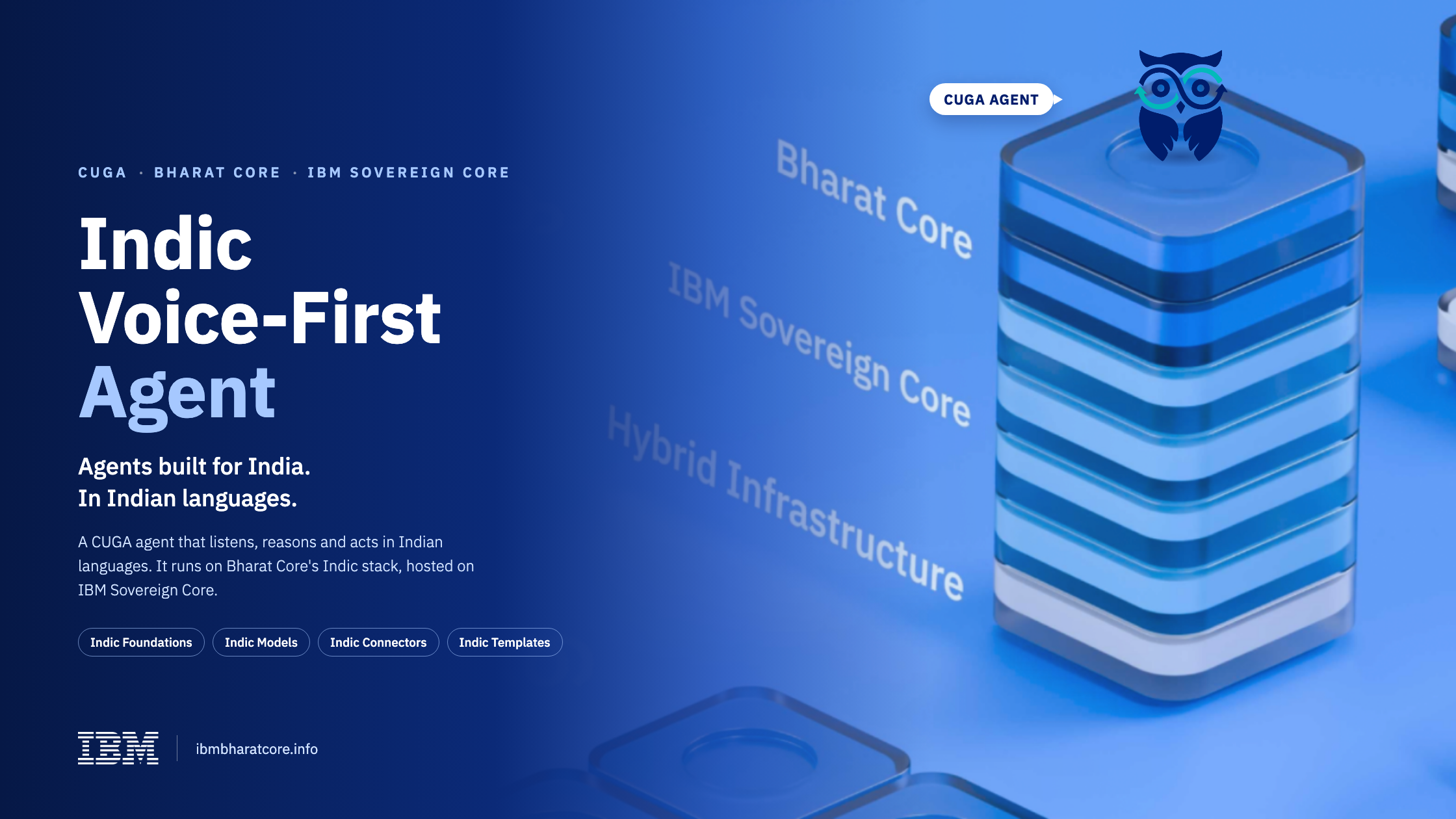
The app can be tried without setup through CUGA Apps on Hugging Face Spaces, and the tutorial “Build an Indic Voice Agent with CUGA” starts from an empty folder and adds each layer in turn. Nothing here is specific to agriculture: swapping the handbook for scheme documents, health advisories, or legal guides creates a different assistant, and swapping the speech provider changes the deployment model, such as cloud for speed or on-premises for data sovereignty, without rewriting the agent. The post connects this approach to IBM Bharat Core, an optimized AI stack built on top of IBM Sovereign Core and designed for the Indian ecosystem to run Indic AI workloads securely on local infrastructure. For scaling a prototype to a secure enterprise application like a vernacular KYC system or multilingual government bot, pairing CUGA‘s flexible agent harness with Bharat Core’s ready-to-deploy Indic connectors and fine-tuned models is presented as the path to fully compliant, sovereign AI solutions. Further pointers include cuga.dev, the Apache 2.0 GitHub repository, CUGA documentation, the CUGA Apps gallery on GitHub, and related posts on the Hugging Face blog.