Introducing Google Cloud Developer Plugin for AI Coding Agents
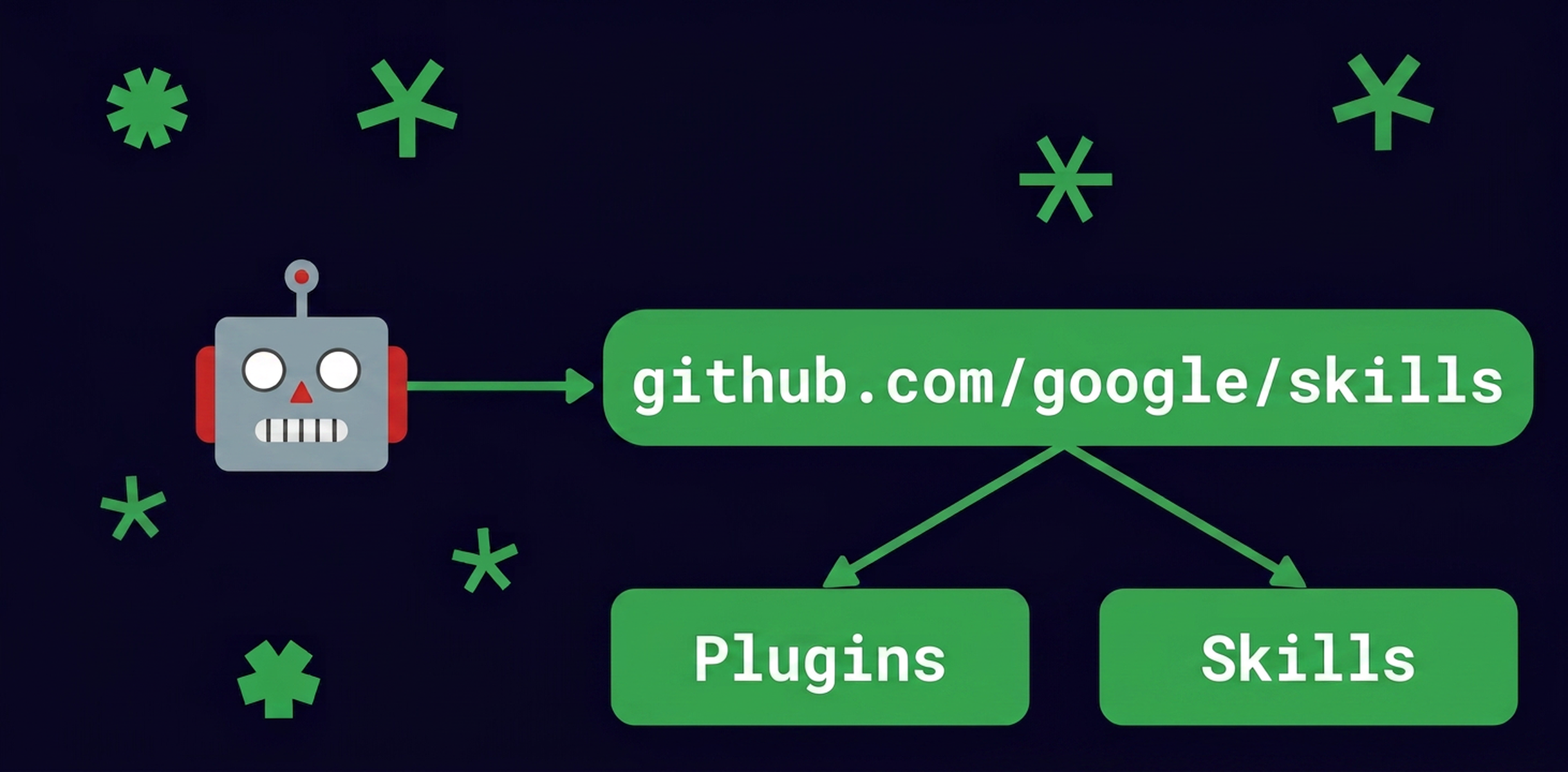
Google Cloud announced the google-cloud-developer plugin for AI coding agents, available in the Google Agent Skills repository. It is packaged as an installable agent plugin bundle, bringing together Agent Skills and Model Context Protocol (MCP) servers so coding agents can work with Google Cloud more effectively.
The plugin addresses a coupling problem: individual agent skills become far more useful when executed together with complementary context and tooling. Rather than managing many standalone skills and dependencies, developers install a plugin that packages related capabilities into a cohesive unit. The release follows the Agent Plugins specification, an open, vendor-neutral standard for packaging skills and MCP servers into portable, interoperable units with a unified manifest and directory structure. This means the same plugin works across different AI coding environments without per-assistant wrappers.
The flagship google-cloud-developer plugin covers fundamentals needed to interact with Google Cloud: authentication, authorization, project management, and guardrails for gcloud CLI operations. It also bundles configuration for the Developer Knowledge MCP server, which gives agents up-to-date grounding in Google’s official developer documentation.
A concrete example is included for bootstrapping a new project: a new user prompts the agent to get an account, set up a project with billing, and authenticate a local machine with a service identity. The plugin-driven agent performs silent background checks against the live environment for prerequisites such as CLI availability and existing projects or organizations. It reviews IAM best practices to avoid risks like accidental key leaks or git commits, and it outlines a workflow roadmap before modifying resources, offering to act on steps only after presenting them.
Installation is done through the open Google Agent Skills repository using the standard Agent Plugins layout. Supported paths include direct installation with Antigravity CLI, or adding the Google plugins marketplace and installing in Claude Code and Codex CLI. Google also points to a codelab for guided installation and exploration in Antigravity, and to documentation for local development setup for new Google Cloud users.